KeyBank
Quick Summary
- Regional bank
- KIS brokerage access
- FDIC insured
- 15-state branch network
The Verdict
KeyBank offers a solid foundation with zero monthly maintenance fees and mutual fund investing, earning a 3/5.0 rating from HSA Orbit.
Take advantage of tax-free withdrawals with a KeyBank HSA to pay for qualified medical expenses. Managing and tracking expenses is easy and balances carry over year-to-year. Having a Health Savings Account can help you prepare for medical expenses that may become necessary in the future. You can also take advantage of KeyBank online banking and billing for your convenience. It’s your health, so you shouldn’t have to worry about it.
Key Features
Banking & Access
Includes debit card, online banking and check-writing.
Investment Options
Offers mutual fund investing.
Security & Insurance
Deposits are FDIC/NCUA insured for your protection.
Account Details
No minimum balance to open. no account opening fees.
Fee Analysis
| Fee Type | This Provider | Industry Average | Verdict |
|---|---|---|---|
| Monthly Maintenance* | $0.00 | $0.69 | EXCELLENT |
| Account Opening | $0.00 | $1.88 | EXCELLENT |
| Account Closing | $0.00 | $1.95 | EXCELLENT |
* No monthly fee
Industry averages calculated from 853 providers in the HSA Orbit database.
Investment Options
Mutual Fund Investing
Access mutual fund investments through your HSA with KeyBank.
- Minimum Threshold$3,500
- FeesStandard KIS brokerage fees. Min $1,000 per mutual fund investment.
Interest Rates
Standard Rates
| Balance Range | APY |
|---|---|
| $0+ | 0.01% |
Last updated: 08-21-2024
Contact Information
Address
127 Public Square, Cleveland, OH 44114
Customer Service
1-888-KEY-2020 (539-2020)
127 Public Square Cleveland, Ohio 44114 Customer Service
At a Glance
Pros & Cons
The Good
- •No monthly maintenance fees
- •No account opening or closing fees
- •FDIC/NCUA insured deposits
The Bad
- •$3,500 minimum to invest
User Sentiment
Based on community feedback
Sentiment data coming soon
Compare with Related Providers
HSA Bank
HSA Bank, a division of Webster Bank, N.A., empowers you to make the most of your healthcare dollars. Our vision is to inspire you to own your health by simplifying the health account experience and utilizing cutting edge technology and innovation to help you make sure you're on your way to a healthy financial future. With over 20 years of experience, we are a trusted leader in the consumer-directed healthcare industry. And we believe that being values-guided bankers, who put our customers and our employees at the heart of everything we do, is what sets us apart.
Read Review →Inspira Financial
Inspira Financial provides health, wealth, retirement, and benefits solutions that strengthen and simplify the health and wealth journey. With more than 7 million clients, representing over $62 billion in assets, Inspira works with thousands of employers, plan sponsors, recordkeepers, TPAs, and other institutional partners — helping the people they care about plan, save, and invest for a brighter future. Inspira relentlessly pursues better outcomes for all with our automatic rollover services, health savings accounts, emergency savings funds, custody services, and more. Learn more at inspirafinancial.com.
Read Review →MassMutual
MassMutual was founded on May 15, 1851. And from the beginning, we’ve had a single purpose: to help people secure their future and protect the ones they love. More than 160 years later, that commitment remains our guiding principle. It’s behind everything we do and every decision we make. It’s how we continue to deliver products and services to help our policyowners and customers achieve their financial goals, and protect those who matter most.
Read Review →Latest HSA Strategies
View all articles
Ineligible HSA Contribution? How to Fix It and Avoid Penalties
Made an ineligible HSA contribution? Learn how to fix excess contributions, avoid the 6% penalty, and handle Form 8889 before the tax deadline.
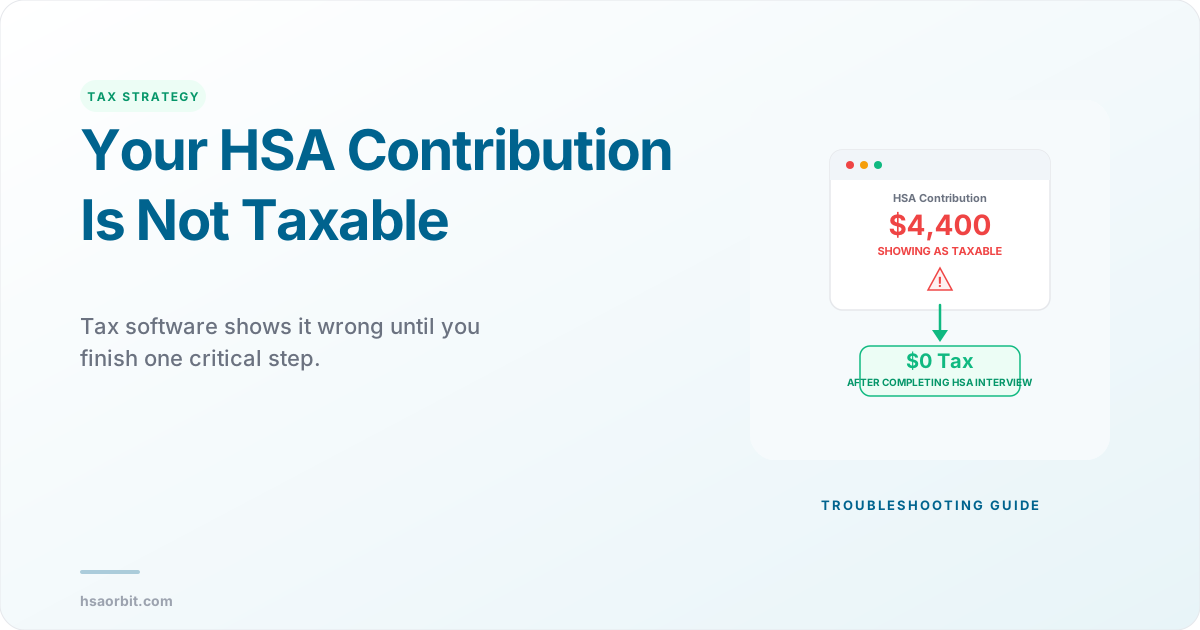
Why Does Tax Software Say My HSA Contribution Is Taxable?
Your tax software shows HSA contributions as taxable income? Learn why it happens, how to fix it in TurboTax and FreeTaxUSA, and avoid penalties.